![Transmural Platform [TMP]](https://www.transmuralplatform.org/wp-content/uploads/2024/07/logo-tmprescription.png)
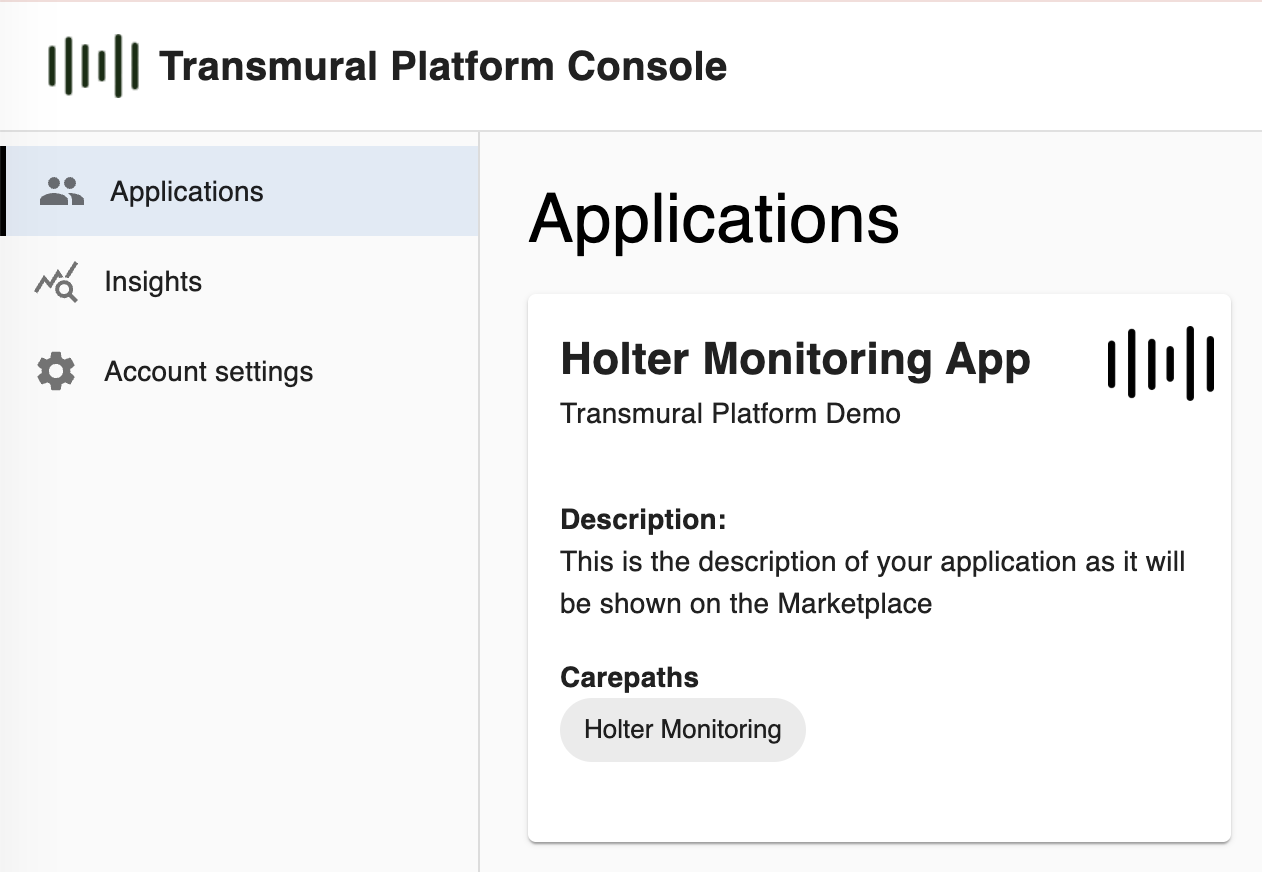
We are excited to announce that Transmural Care Data Providers can now manage their applications directly in the TMP Console. Providers can add new applications or update existing ones, and those applications will be visible to prescribers through the Application Marketplace – the dedicated section in the TMP Console where healthcare organisations discover and activate telemonitoring solutions.
Until now, registering or updating a Marketplace listing required reaching out to us. From now on, providers can manage this themselves, directly and at their own pace.
What You Can Manage
Each application on the Marketplace is backed by a rich set of configuration options. When adding or updating an application, providers can manage the following:
Basic Information and Branding – the application name, a description of the solution, a logo, and up to three screenshots. This is what prescribers see when browsing the Marketplace, so it is worth making it clear and complete.
Compliance and Certification – the MDR risk classes that apply to the application, NIS2 compliance status including supporting evidence files, a link to the Data Protection Impact Assessment (DPIA), and a link to the privacy policy. Providers can also enter the applicable reimbursement codes, which helps prescribers understand the billing context before activating an application.
Carepaths – the clinical contexts in which the application is available, such as Holter Monitoring, COPD, or Post-Surgery. This determines where and when prescribers will encounter the application as an option.
URLs – the endpoints TMP uses to launch patient sessions, trigger clinical actions such as cancelling or stopping monitoring, and optionally load a provider dashboard directly within the TMP environment. URLs can be configured as prescriber-specific when needed, in that case when a Prescriber wants to configure the Application for their use, they’ll have to enter the specific URLs.
Patient Authentication – in case a provider also has a client-facing application and wants to use our secure solution to identify a client without a separate login.
Capabilities and Patient Fields – which actions the application supports (Stop, Cancel) and which patient data fields it needs TMP to send. This includes patient identity, address, clinical information, and details of the relevant healthcare professionals such as the prescribing HCP, responsible HCP, and general practitioner. Only selecting the fields the application actually processes is important, as this directly defines the scope of data processing under GDPR.
Advanced Integration – authentication headers, prescriber-specific headers and credentials, asset storage URLs (used by EHR systems to validate urls to assets a provider shares), and an optional custom JSON Schema for extending the standard TMP data model. This section is primarily intended for technical teams and covers the low-level configuration of the integration.
Why This Matters
Self-service application management gives providers direct control over their Marketplace presence. When a description needs updating, a new screenshot should be added, a reimbursement code changes, or the application expands to a new care context, providers can make the change themselves. No document, no waiting.
It also means better data quality. Providers know their applications best, and putting that configuration directly in their hands ensures the information stays accurate and current.
Getting Started
Provider access to the TMP Console is available upon request. If you are already integrated with TMP and would like access to manage your applications, reach out to the TMP team and we will provision your account. If you are a new provider looking to join the ecosystem, feel free to get in touch and we will guide you through the onboarding process.
For questions, you can always contact us via support@transmuralplatform.eu